How to make a GIF smaller, and why GIFs get so big
Reduce GIF file size by cutting its length, frames and pixels. What makes a GIF big, why the same clip is far smaller as an MP4, and how to remake one smaller.
Contents7 sections
A GIF's size comes from the pixels in each frame, the number of frames (length times frame rate) and its colors. To make one smaller, cut it shorter, make it narrower or drop frames. If you still have the video, remaking the GIF smaller is the cleanest fix. If it only needs to play, an MP4 is far smaller.
What makes a GIF file so big?
Three things, multiplied together: pixels, frames and colors.
Pixels per frame. Doubling the width and height of a GIF gives each frame four times the pixels. A 640 × 360 frame has 230,400 pixels; a 320 × 180 frame has 57,600.
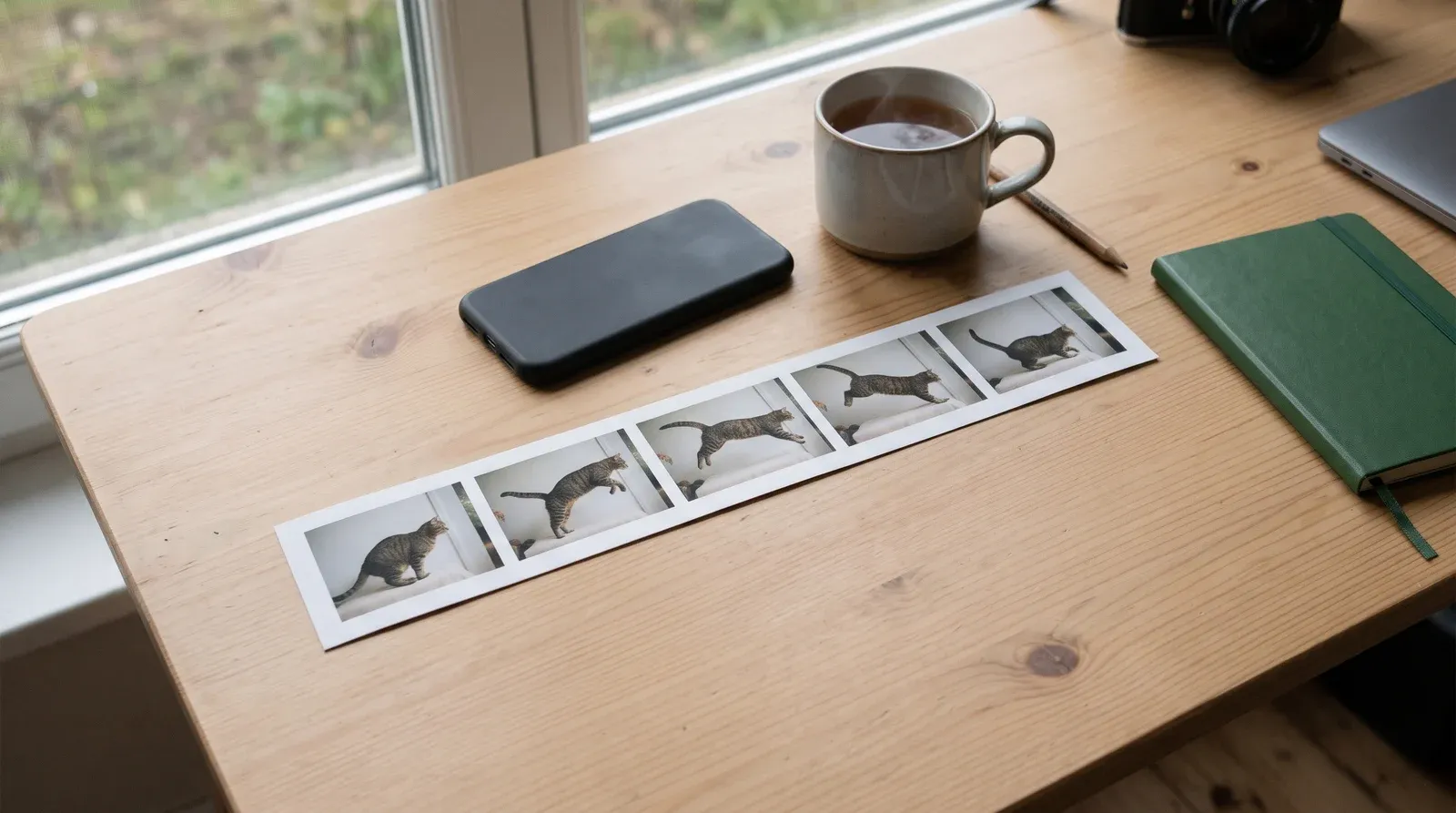
Frames. The frame count is the length times the frame rate. A 15 second GIF at 15 frames a second is 225 separate frames, and each one is a full picture. The GIF89a specification sets the gap between frames in “hundredths (1/100) of a second”, so a GIF can be made to play smoothly, at a cost.
Colors. A GIF picks from a color table, and the spec fixes its size as 2 raised to a 3 bit field plus 1, which tops out at 256 colors. A frame can also carry its own Local Color Table, whose “scope is the single image” it belongs to. Fewer colors compress better, which is why cutting the palette shrinks a GIF and also why GIFs can look grainy.
GIF does compress each frame, with what the spec calls “a variation of the Lempel-Ziv Compression algorithm”. That compression is lossless. It keeps every pixel exactly, so the file only gets meaningfully smaller when you give something up.
Why is a GIF so much bigger than the same video?
Because the formats were built for different jobs. A GIF stores its frames as a sequence of images, while video formats are designed for moving pictures and can reuse what stays the same from one frame to the next.
The difference is large. In Google’s web.dev guide to replacing animated GIFs with video, the example GIF is 3.7 MB, the MP4 version is 551 KB and the WebM version is 341 KB.
So the smallest “GIF” is often a short video. If the place you’re sending it plays MP4, send the clip. Keep the GIF for places that need one. A WhatsApp sticker from a video has an even tighter budget: WhatsApp caps a moving sticker at 500 KB.
How do I reduce a GIF’s file size?
Change one of the three things, starting with the one you’ll miss least.
| Change | Effect on size | What you give up |
|---|---|---|
| Cut it shorter | Half the length, half the frames | The parts you cut |
| Lower the frame rate | Fewer frames for the same length | Smoothness |
| Make it narrower | Half the width and height, a quarter of the pixels | Detail and readable text |
| Crop to the action | Fewer pixels per frame | The edges of the scene |
| Use fewer colors | Better compression | Smooth gradients, which band |
Length is usually the easiest win. Most GIFs are about one moment, and the second before and after it rarely matter.
Your phone won’t do this for an existing GIF on its own: we couldn’t find a GIF compressor in Apple’s or Google’s help for iPhone or Android. Web-based GIF compressors exist, but they work by uploading your file to someone else’s server, so check what you’re sending first.
How do I make a smaller GIF from a video?
Start again from the video. Shrinking a finished GIF means squeezing frames that have already been cut down to 256 colors, while remaking it lets you choose the length and size up front.
Siftlo’s Make a GIF is built around that choice. You pick the stretch with the same handles as Trim (it starts on the first 6 seconds and goes up to 15), then a size: Small 320 px, Medium 480 px or Large 640 px on the long side. Every GIF runs at 15 frames a second.
Before you tap Make GIF, Siftlo shows the estimated file size. If it’s above about 15 MB, the estimate turns amber with a hint to pick Small or a shorter stretch. It never stops you, so you decide whether the size is worth it. On an older Android phone, a long GIF can take a while to make, which is one more reason to keep it short.
Everything runs on the phone, so the video isn’t uploaded anywhere. Step by step guides: turn a video into a GIF on iPhone and make a GIF from a video on Android.
How big can a GIF be to send by email?
It depends on the service, so check the limit where you’re sending it. For Gmail, Google’s attachment help says “For personal Gmail accounts, the limit is 25 MB”, and a bigger attachment is turned into a Google Drive link instead.
A GIF that only just fits is still slow to open on a phone. Aim well under the limit.
Does converting a GIF to JPG or PNG make it smaller?
Yes, but you lose the animation. A JPG or PNG holds one picture, so converting an animated GIF keeps only its first frame. Siftlo’s Convert tool, the same one that turns HEIC photos into JPGs, tells you so when you convert an animated GIF. It’s the right move when you only need a still, such as a thumbnail.
Questions people ask
Can you compress a GIF without losing quality?
Not by much. The compression built into GIF is lossless, so it already keeps every pixel as it is. Real savings come from giving something up, such as frames, pixels or colors, so the question is which loss you'll notice least.
Why does my GIF look blotchy after shrinking it?
Usually because the colors were cut. With fewer colors to choose from, smooth areas like sky or skin break into bands or speckles. Cutting length or size instead keeps the colors intact.
Does making a smaller GIF in Siftlo change my video?
No. Siftlo makes the GIF as a new file and never changes the video, so you can make it again at a different size or length. Undo removes a GIF you don't want.
Read next
 Photo & video editing
How to make WhatsApp stickers from a video or GIF
 Photo & video editing
How to turn a video into a GIF on Android
 Photo & video editing
How to turn a video into a GIF on iPhone
How to make WhatsApp stickers from a video or GIF
Make WhatsApp stickers on iPhone and Android, from a photo with WhatsApp's own Create button or from a video or GIF with Siftlo, plus the size rules to meet.
How to turn a video into a GIF on Android
Turn a video into a GIF on Android with Google Photos, Samsung's AI select or Siftlo, and see what each built-in option can and can't control.