The Siftlo blog
Storage, photos and privacy, explained properly
Articles on freeing space, finding duplicates and keeping a camera roll you can actually navigate. Written by the people who build Siftlo.
The Siftlo blog
Articles on freeing space, finding duplicates and keeping a camera roll you can actually navigate. Written by the people who build Siftlo.
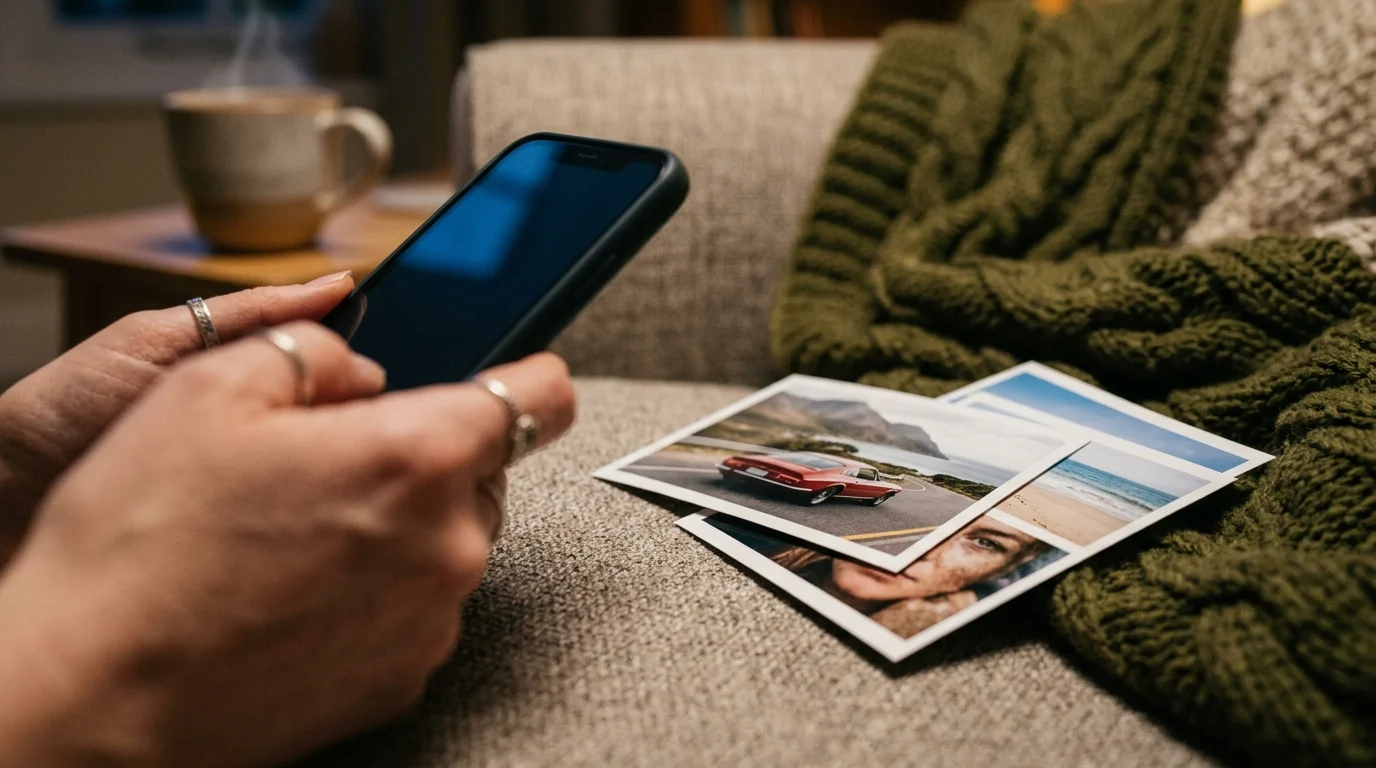
Where your iPhone's storage really goes, and how to get it back without losing the photos that matter. Apps, Messages, duplicates, video and Recently Deleted.
Showing 1–13 of 17
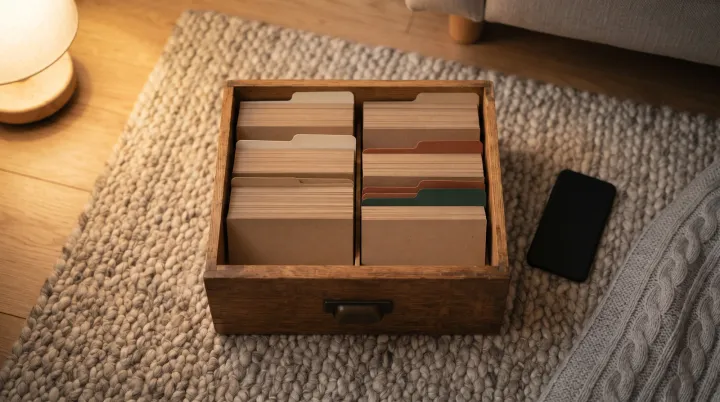
How to organise photos on iPhone with albums, folders, pinned collections and search, what Photos sorts for you, and where a photo organiser app saves time.
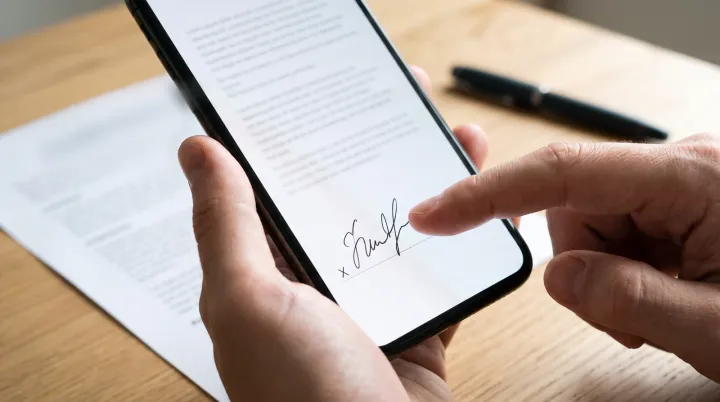
Sign a PDF on iPhone with Preview or the Files app, and on Android with Google Drive or Samsung Notes. Plus when a signature drawn on a phone counts.
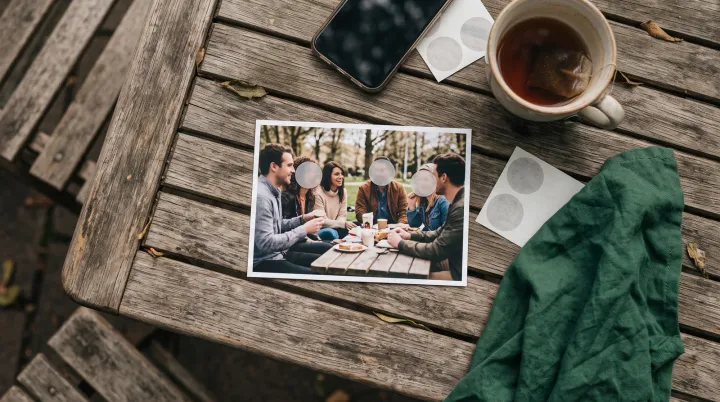
Blur faces in photos on iPhone and Android with the tools already on your phone, then share without the location, or blur every face in an album at once.
Delete duplicate photos on Android with Files by Google or Samsung's Gallery, then clear the bursts and near-copies they leave behind, one set at a time.
Make iPhone photos smaller with the right camera settings, shrink ones you've already taken in Preview, and send smaller copies by email and Messages.
How to make a video smaller on Android: resize it in Samsung Gallery, trim it in Google Photos, record smaller clips from now on, and send big files without losing them.
Where your Android phone's storage goes and how to get it back, on Samsung, Pixel and other phones. Apps, photos, WhatsApp, downloads, duplicates and bins.
Why your phone can't find the words in a scanned PDF, and how to search inside PDFs, photos and scans on iPhone and Android, including OCR to make them searchable.
Why your iCloud storage is full, how to see what's using it, and what to delete first, from old backups to duplicate photos, without losing what matters.
There's no cache button on iPhone, and no cache cleaner app can reach other apps. Here's what clears cache in Safari and apps, and what frees more space.
Compress a video on iPhone with Photos or iMovie, record smaller clips from now on, and see why iPhone videos take up so much space in the first place.
Scan documents with your iPhone using Notes, Files or Preview, save them as PDFs, copy the text and sign forms, then find every scan again. Android too.