How to turn a video into a GIF on iPhone
Turn a video into a GIF on iPhone with the Shortcuts app or Siftlo, see what Live Photo Loop and Bounce really make, and pick the right GIF size.
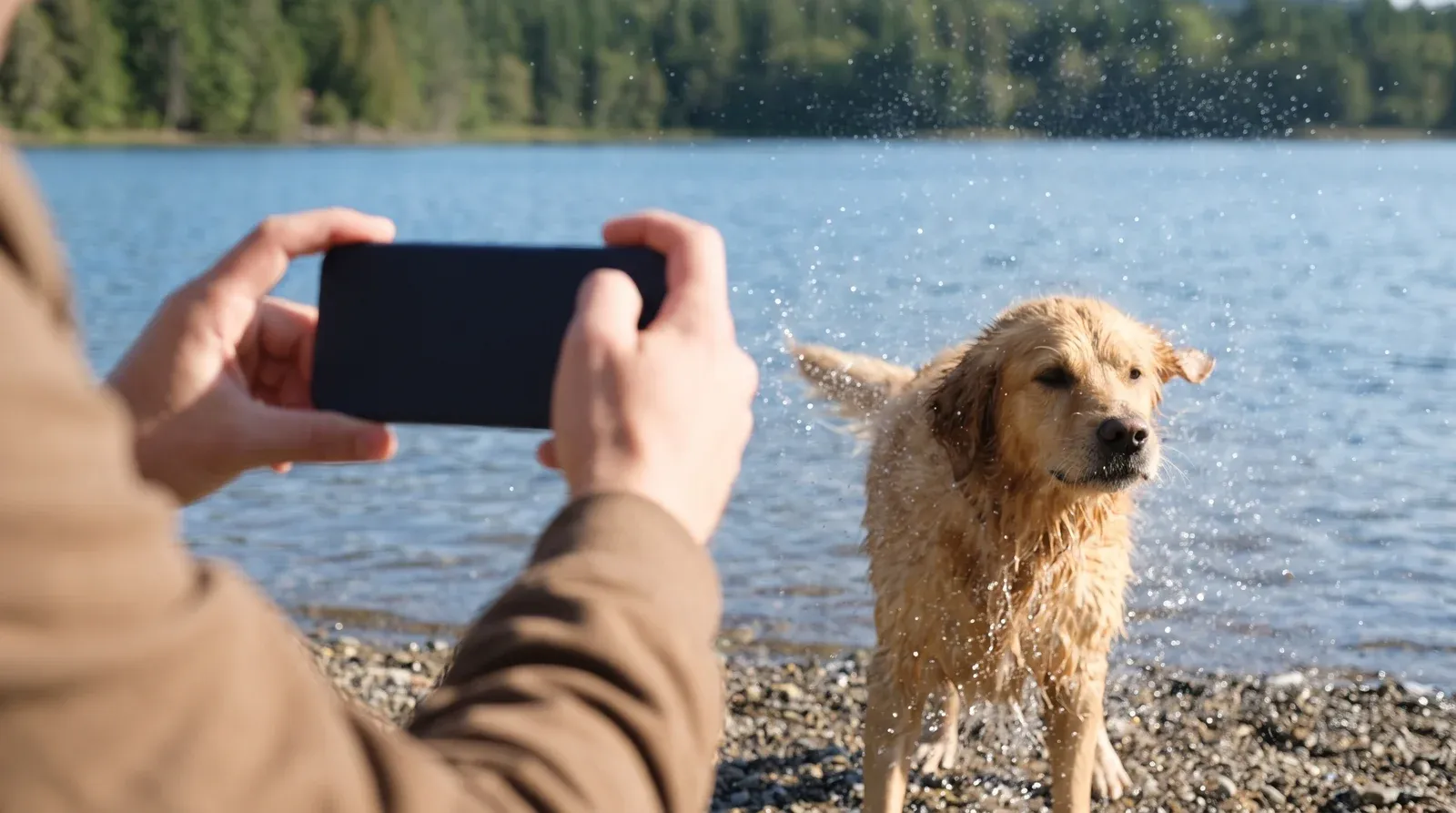
Contents7 sections
The Photos app has no GIF button. The built-in route is the Shortcuts app, which has a Make GIF action you build a shortcut around. Live Photo Loop and Bounce move like GIFs, but Apple doesn't save them as GIF files. Siftlo's Make a GIF turns up to 15 seconds of a video into a looping GIF on the phone.
Can you turn a video into a GIF on iPhone without an app?
Partly. The Photos app has no Make GIF or Export as GIF button. Its video editor trims and adjusts clips, and what it saves is still a video.
The built-in route is the Shortcuts app, which comes with the iPhone. It has a Make GIF action, and Apple uses it as the example in its intro to Shortcuts: a shortcut where “Get Latest Photos grabs the latest photos that you took on your device”, then “Make GIF uses those photos to build an animated GIF”. So the tool exists. You just have to build the shortcut yourself.
How do I make a GIF with the Shortcuts app?
Build it once and it stays in your shortcuts. Apple’s guide to creating a custom shortcut covers the editor; here’s the GIF version, following Apple’s own example.
- Open Shortcuts and tap the Add button (+). An empty shortcut opens in the editor.
- Tap New Shortcut, then Rename, and call it something like “Make GIF”.
- Tap Add Action, find Get Latest Photos and add it.
- Add the Make GIF action below it.
- Add Save to Photo Album, which Apple’s share actions page says “adds photos to a specified album in the Photos app”.
- Tap Done, then tap the shortcut to run it.
Be ready for some trial and error. Apple’s guide shows Make GIF built from photos and doesn’t list the action’s settings, so it doesn’t say how it treats a video, how long the GIF can be or what size it comes out. If you want one particular moment from a long clip, that’s where it gets fiddly.
Can I turn a Live Photo into a GIF?
Not as a GIF file with Apple’s own tools, but Live Photos have two effects that move like one. Apple’s Edit Live Photos guide describes them:
- Loop “Repeats the action in a continuous looping video.”
- Bounce “Rewinds the action backward and forward.”
- Long Exposure blurs motion, like a long exposure on a camera.
To add one, open the Live Photo in Photos, tap Live in the top left corner and choose the effect. To pick which frames play, tap Edit, tap the Live Photo button and drag either end of the frame viewer.
Sharing is where the GIF feeling stops. Apple’s Live Photos article says a Live Photo sent by Mail arrives as a still image, and none of Apple’s Live Photos pages mention GIF. To share the motion with someone who isn’t on an Apple device, open the Live Photo, tap More and choose Save as Video, which Apple suggests for sharing “with people not on Apple devices”. That gives you a video, not a GIF.
One more honest note: Siftlo’s Make a GIF works on videos, not Live Photos.
How do I turn a video into a GIF with Siftlo?
Siftlo, a phone app that sorts, deduplicates and clears photos and files, has a Make a GIF tool (“Turn a short clip into a GIF”). It sits in the Tools tab under Video and audio, right after Extract audio. You can also reach it from Tools › Convert (pick one video and choose GIF) or from a video you’re watching in Siftlo’s viewer, under More › Make a GIF.
- Open Tools and tap Make a GIF.
- Pick a video from your photo library. Screen recordings work too, because they’re ordinary videos.
- Drag the handles to choose the stretch, the same handles as Trim. It starts on the first 6 seconds, and you can stretch it up to 15.
- Choose a size: Small, Medium or Large. Siftlo shows the estimated file size before you make anything.
- Tap Make GIF. When it’s done you’ll see GIF saved, with Open it and Share.
The GIF plays at 15 frames a second and loops. Your video is never changed, and Undo removes the GIF if you don’t like it. It all happens on the phone, so nothing is uploaded.
A GIF counts as one item on the monthly allowance that Compress, Resize, Convert and Make a GIF share: 50 items a month on Free, and no monthly limit on Plus. It works one video at a time, the same way on iPhone (iOS 15 or later) and Android (Android 10 or later).
Which GIF size should I choose?
Pick by where it’s going. The sizes set the long side of the GIF, and the pixel count grows fast: Large has four times the pixels of Small in every frame.
| Size | Long side | Pixels per frame (16:9 clip) | Good for |
|---|---|---|---|
| Small | 320 px | 320 × 180 = 57,600 | Chat replies and email, where file size matters most |
| Medium | 480 px | 480 × 270 = 129,600 | Everyday sharing |
| Large | 640 px | 640 × 360 = 230,400 | Screen recordings with text, or detail you want seen |
Length matters just as much. At 15 frames a second, a 6 second GIF has 90 frames and a 15 second one has 225. If a GIF comes out too heavy to send, our guide to making a GIF smaller explains what to trim first. For WhatsApp, a moving WhatsApp sticker is another way to send a short moment.
How do I make a GIF from a video on Android?
Android’s built-in options are different: Google Photos has an Animation creation, and recent Samsung phones can record a GIF from a playing video. Our guide to turning a video into a GIF on Android walks through both, and Siftlo’s Make a GIF works the same way there.
Questions people ask
Does a GIF keep the video's sound?
No. GIF is an image format, so it holds pictures only and the sound is left behind. If the sound matters, share the video itself, or save just the audio as a separate file.
Why does my GIF look grainier than the video?
Because of colors. The GIF89a specification caps each color table at 256 colors, while a video frame can show far more. Smooth skies and skin tones are where you notice it most, as visible bands or speckles.
Can I make a GIF longer than 15 seconds?
Not in Siftlo, which takes a stretch of up to 15 seconds. Long GIFs get big quickly, because every extra second adds 15 more frames. For anything longer, a short video clip is usually the better thing to send.
Read next
 Photo & video editing
How to make WhatsApp stickers from a video or GIF
 Photo & video editing
How to make a GIF smaller, and why GIFs get so big
 Photo & video editing
How to turn a video into a GIF on Android
How to make WhatsApp stickers from a video or GIF
Make WhatsApp stickers on iPhone and Android, from a photo with WhatsApp's own Create button or from a video or GIF with Siftlo, plus the size rules to meet.
How to make a GIF smaller, and why GIFs get so big
Reduce GIF file size by cutting its length, frames and pixels. What makes a GIF big, why the same clip is far smaller as an MP4, and how to remake one smaller.