How to delete duplicate photos on iPhone, including bursts and near-copies
Delete duplicate photos on iPhone with the built-in Duplicates collection, then clear the burst frames and near-copies it leaves behind, one set at a time.
Contents7 sections
- How do I delete duplicate photos on my iPhone?
- Why do I still have so many copies after merging?
- What kinds of near-copy are there?
- How do I delete burst photos on iPhone?
- Is there an app that deletes duplicate and similar photos?
- Why hasn’t my storage gone up after deleting duplicates?
- Questions people ask
Open Photos, go to Collections > Utilities > Duplicates and tap Merge on each set. Photos keeps one copy and moves the rest to Recently Deleted. Bursts are cleared separately by picking favourites, and near-copies like crops and chat re-saves need a look of their own.
How do I delete duplicate photos on my iPhone?
The Photos app finds duplicates for you, and it has done since iOS 16. On current iOS:
- Open Photos and tap Collections.
- Scroll to Utilities and tap Duplicates.
- Tap Merge on a set, then Merge [number] Items to confirm.
On iOS 16 and 17 the same list is under Albums, below Utilities. Apple describes merging plainly: it combines the highest quality version and the relevant data across the duplicates, keeps that one, and moves the rest to Recently Deleted.
If you can’t see Duplicates at all, that’s normal. Apple says it only appears when Photos has found some. On an Android phone, the steps are different: see how to remove duplicate photos on Android and Samsung.
Why do I still have so many copies after merging?
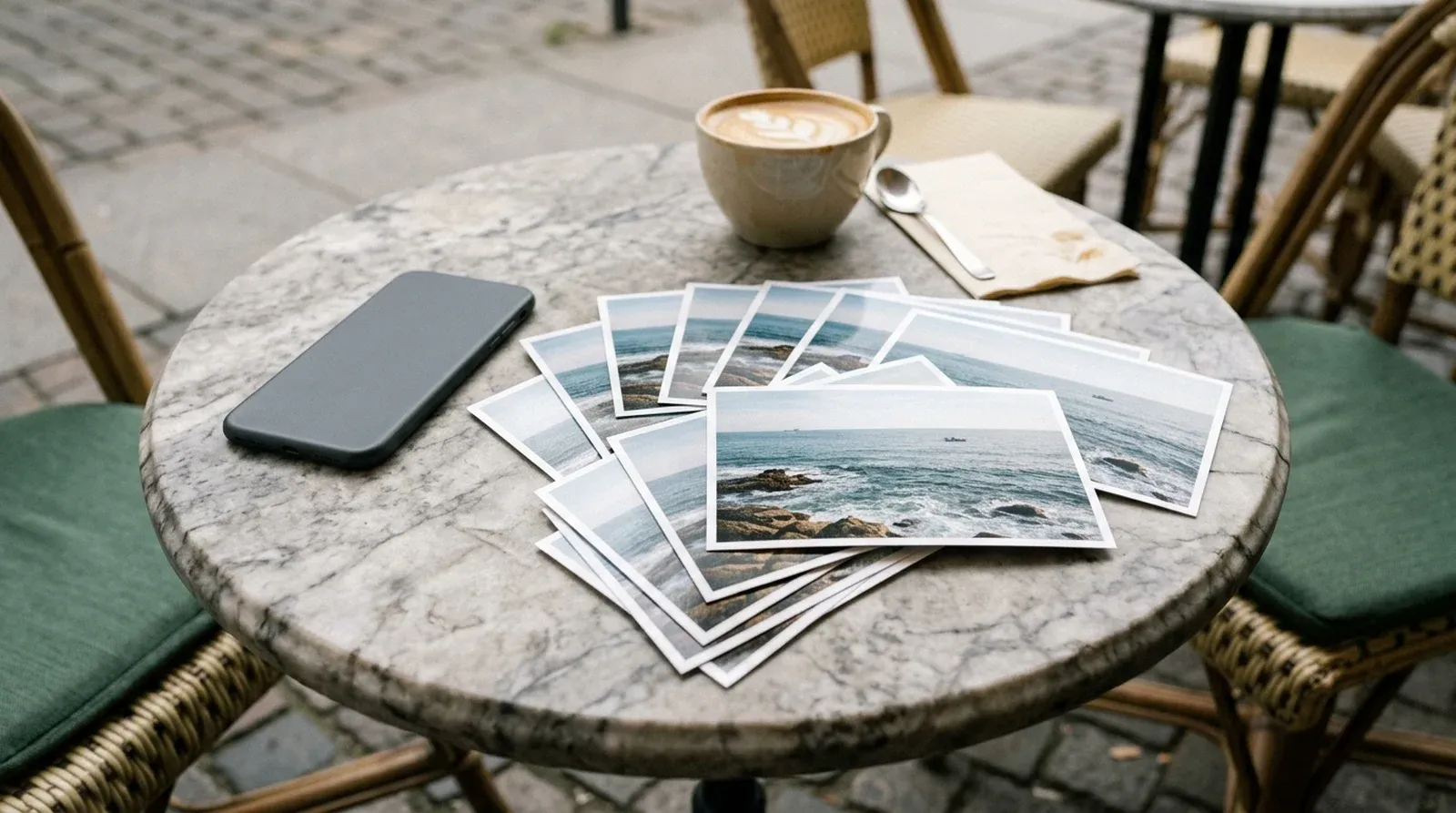
Because most of what feels like a duplicate isn’t one, as far as your phone is concerned. The Duplicates collection is built for copies of the same picture. Ten frames of one moment, each a fraction of a second apart, are ten different pictures.
That’s where the clutter really comes from. Three habits make most of it.
Burst mode. Swipe the shutter or hold the volume button too long and you have a run of near-identical frames. You meant to keep one.
Re-saved edits. Some editing apps save the result as a new photo beside the original. Crop a picture in one of them and the full-size version stays behind, untouched.
Chat round trips. You send a photo, a friend sends it back in a group, and you save it again. It’s often smaller, renamed and missing its original date. To you it’s the same photo. To the phone it’s a stranger.
There’s a fourth, quieter source too: tapping the shutter five times at the same view, just to be safe.
What kinds of near-copy are there?
Each kind needs its own rule, because the right one to keep isn’t always the same.
| Kind of near-copy | How to spot it | Which one to keep | Built-in tool |
|---|---|---|---|
| Exact copy | Identical picture, saved twice | The merged copy | Duplicates |
| Burst set | One stack marked Burst | Your sharpest favourite | Burst viewer |
| Similar shots | Same scene, taken seconds apart | The sharpest, eyes open | None |
| Re-saved edit | Same scene, one cropped or filtered | The edit, once you’re sure | None |
| Chat round trip | Same photo, smaller, odd date | The full-size original | None |
The last three are where a phone fills up quietly, and they’re the ones nothing built in will group for you.
How do I delete burst photos on iPhone?
Bursts have their own tool, and it’s quicker than deleting frames one at a time.
- Open the burst in Photos and tap Burst at the top.
- Grey dots under the thumbnails mark the frames Photos suggests keeping.
- Tap the circle on each frame you want, then tap Done.
The frames you tick are saved as individual photos. To drop the whole burst instead, open it and tap the bin. If you take bursts by accident, go to Settings > Camera and turn off Use Volume Up for Burst.
Is there an app that deletes duplicate and similar photos?
Yes, and this is the part Siftlo was built for. It groups the near-copies the phone can’t see: burst sets, re-saved edits beside their originals, and chat round trips saved again at a new size. For each set it proposes the sharpest photo to keep.
You review by group, never file by file. You confirm the set, not each frame, and nothing changes until you tap. If you’d rather keep a different shot, tap it and that one becomes the keeper.
Finding and clearing duplicates is free and never capped. It runs on the phone and needs no account. See everything Siftlo does on the device for the rest of the clean, including large files and old screenshots.
Why hasn’t my storage gone up after deleting duplicates?
Because deleted photos aren’t gone yet. Whether you merge in Photos, clear a burst or confirm a set in Siftlo, the photos go to Recently Deleted, where they stay for 30 days before they’re permanently removed.
To get the space back now, open Photos, tap Collections, then Recently Deleted below Utilities. Open it with Face ID, Touch ID or your passcode, tap Select and delete what you’re sure about.
That’s why Siftlo says queued to free after a clean rather than claiming the space early. The figure in Settings only moves once Recently Deleted is emptied. Our guide to what “delete” really does on iPhone and Android goes into the detail.
Duplicates are usually one part of a full phone. For the rest, including apps, Messages and video, see how to free up space on iPhone without losing photos. Once the copies are gone, it’s a good moment to sort your photos into albums and folders.
Questions people ask
Does merging duplicates delete anything straight away?
No. The copies Photos doesn't keep move to Recently Deleted, where they stay for 30 days. You can recover them during that time, or delete them permanently to get the space back now.
Why is there no Duplicates collection in my Photos app?
Apple says the collection only appears when your library has duplicates in it. If it's missing, Photos hasn't found any exact copies, though bursts and near-copies may still be there.
Will Siftlo delete a photo without asking?
No. Siftlo proposes a keeper for each set and nothing moves until you confirm. You can tap any other photo in the set to keep that one instead.
Read next
 Duplicates
How to delete duplicate photos on Android, Samsung included
 Photo organisation
How to organise photos on iPhone: albums, folders and people
 Documents
How to sign a PDF on iPhone and Android
How to delete duplicate photos on Android, Samsung included
Delete duplicate photos on Android with Files by Google or Samsung's Gallery, then clear the bursts and near-copies they leave behind, one set at a time.
How to organise photos on iPhone: albums, folders and people
How to organise photos on iPhone with albums, folders, pinned collections and search, what Photos sorts for you, and where a photo organiser app saves time.